01
Online Security
Lumar VPN is a Windows app that helps improve the security of your internet connection and maintain privacy while online. After installation, just log in to your account and click the button.
Lumar VPN for Windows — secure internet connection, high speed, and convenient management of all devices through a single account.
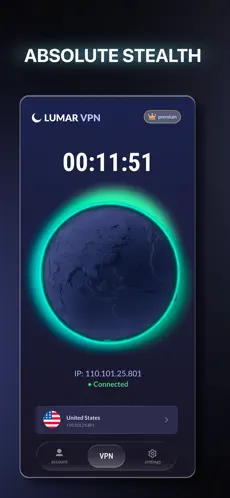
Download the setup file from the official website, run it, and complete the installation. Then log in to your account and connect to the VPN.
An account allows you to use a single subscription on multiple devices, manage your connections, and easily log in after reinstalling or changing devices.
One Lumar VPN subscription supports simultaneous connection of up to 5 devices.
Lumar VPN is compatible with modern Windows versions and is regularly updated to support new systems and improve performance.
Yes. After installing the app, a free mode is available. A subscription unlocks additional service features by completely disabling ads.
Yes. The app helps increase connection security regardless of whether you are using your home network or connecting to public hotspots.
No. Lumar VPN is designed so that you can start using the service immediately after installation. Just log in and press the connect button.
A slight decrease in speed is possible due to traffic encryption, but the app automatically selects the optimal server for the most stable and fastest connection.