01
Instant connection
Lumar VPN is a modern Android app that helps protect your internet connection and increase privacy online. After installation, simply log into your account and press the connect button.
Lumar VPN - fast and secure VPN for Android. Protect your internet connection, use public Wi-Fi networks with greater confidence, and connect to the VPN with just one tap.
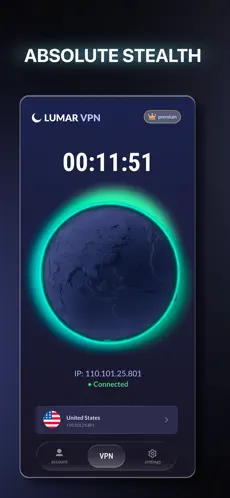
Click the «Download for Android» button, install the app from Google Play or download the APK from our website, then log into your account and connect to the VPN.
An account allows you to synchronize your subscription across devices, manage connections, and use one subscription on multiple devices simultaneously.
You can connect up to 5 devices simultaneously on a single Lumar VPN subscription.
Yes. Lumar VPN works equally well over Wi-Fi, LTE, and 5G networks.
The app is compatible with most modern Android smartphones and tablets. We regularly release updates to support new versions of the operating system.
Yes. After installation, free servers are available that work by watching ads. For additional features and unlimited access, you can purchase a subscription.
Encryption may slightly reduce connection speed, but Lumar VPN automatically selects the fastest available server to ensure maximum comfort.
Yes. The app uses modern connection protection technologies and helps increase the privacy of transmitted data while surfing the web.